

A CRM for commercial printers whose salespeople sell by phone and email
AshwoodCRM is for commercial printing companies and the people who sell their work. Keep your MIS for the production work, and use AshwoodCRM for calls, quotes and follow-ups.
Keep your MIS for estimating and scheduling
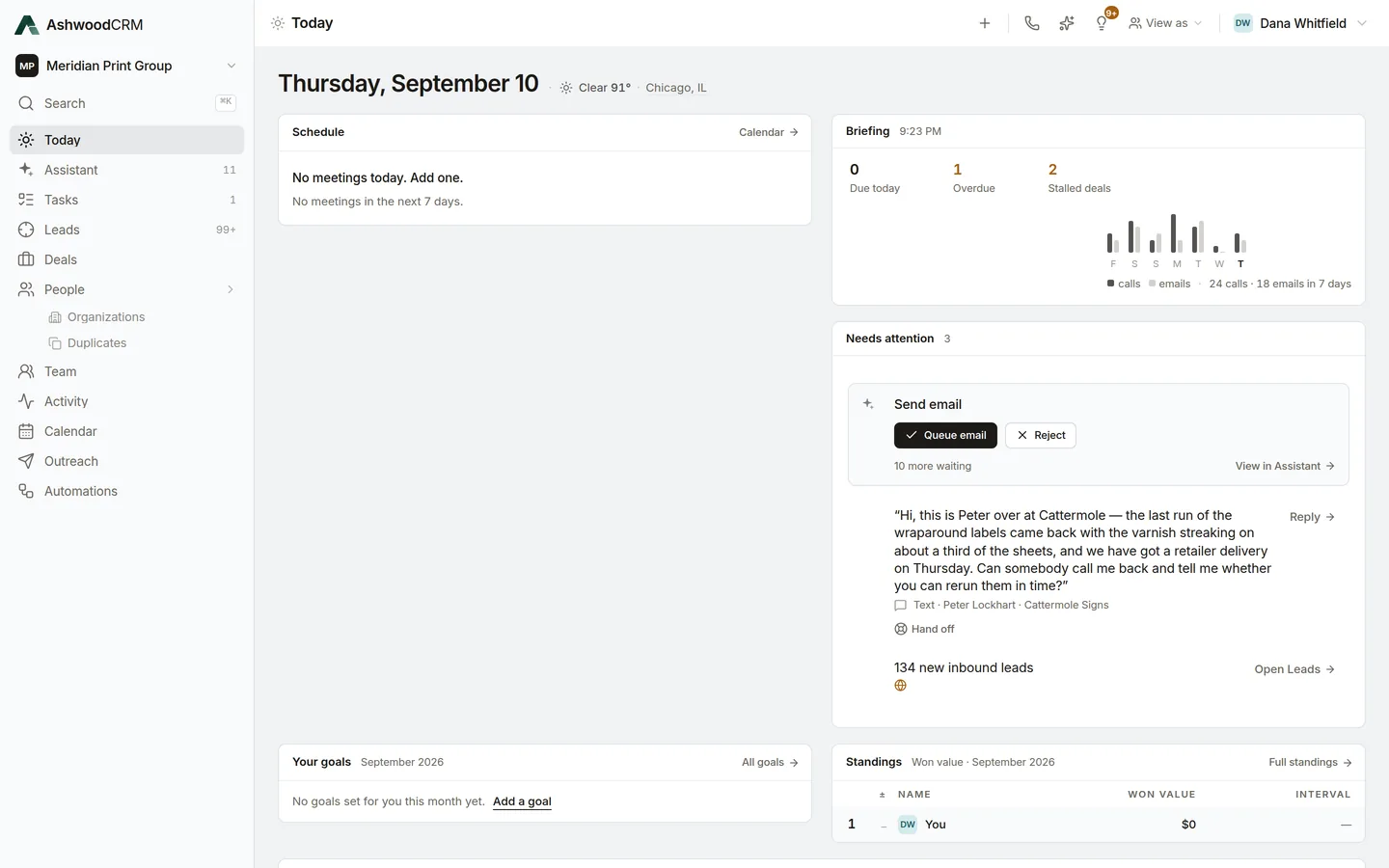
Your print MIS estimates, schedules and invoices the work, and its production history stays there. AshwoodCRM is where a salesperson sells: who to call, what was said, and what happens next.
See the last order before you call
With NetSuite connected, each customer's orders and estimates show on their record. Before a reorder call, a salesperson sees what the customer bought last and which estimate is still open.
NetSuite orders and estimates in your CRMYour own deal stages
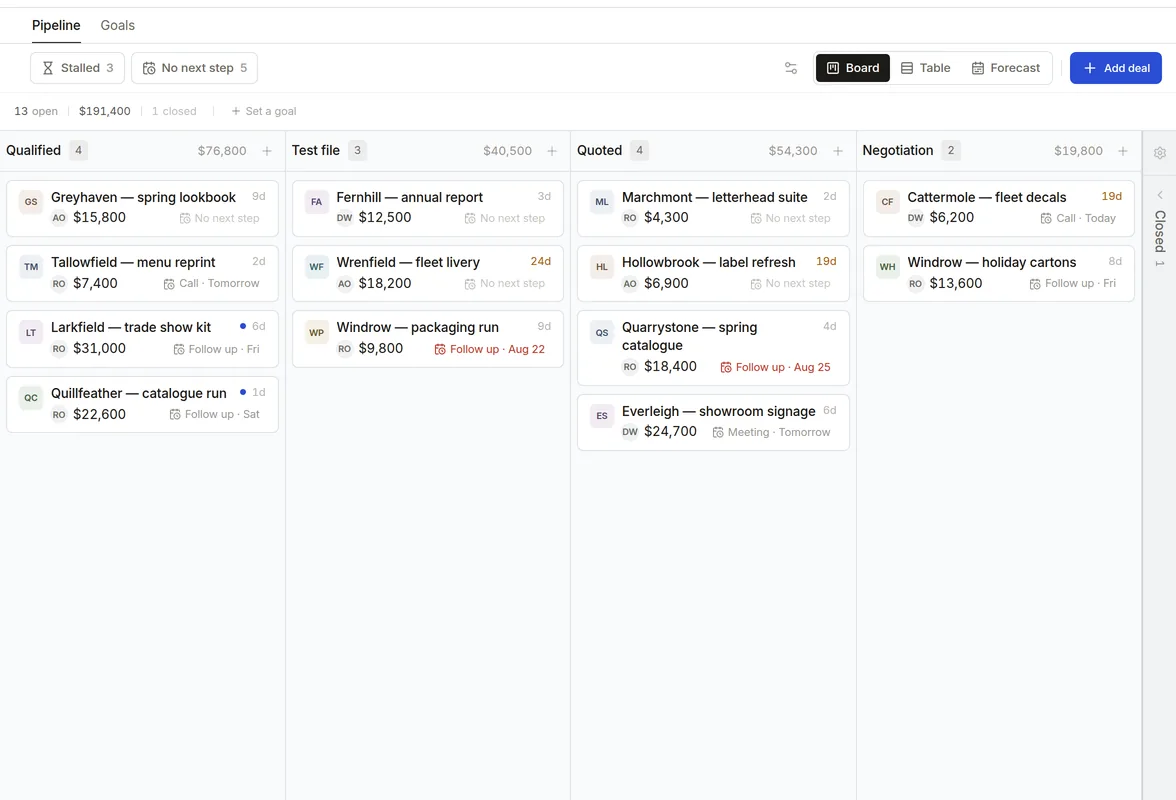
Name your own stages, from first contact to quote sent to closed, and see each deal's value, age and next step on the board.
What is due today
Today shows what is due, what is overdue and which deals have stalled, with the drafts waiting for your approval.
Choose what each salesperson can see
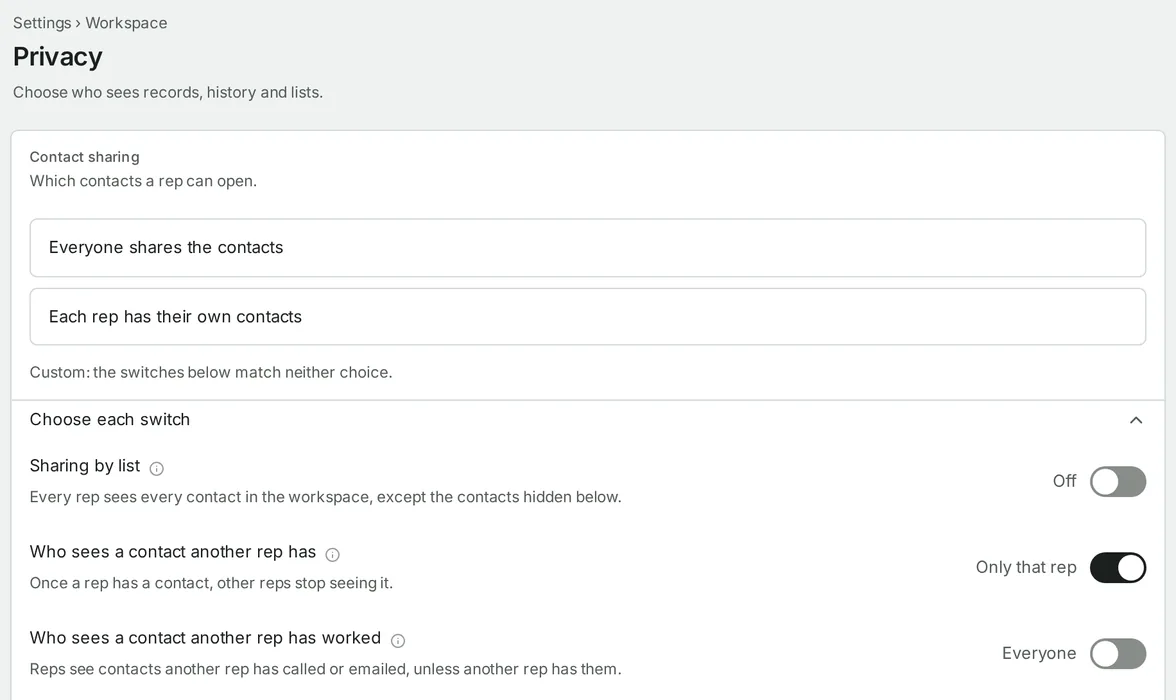
An admin chooses what each person on the team can see, down to a single note.
Calls and email with the quote
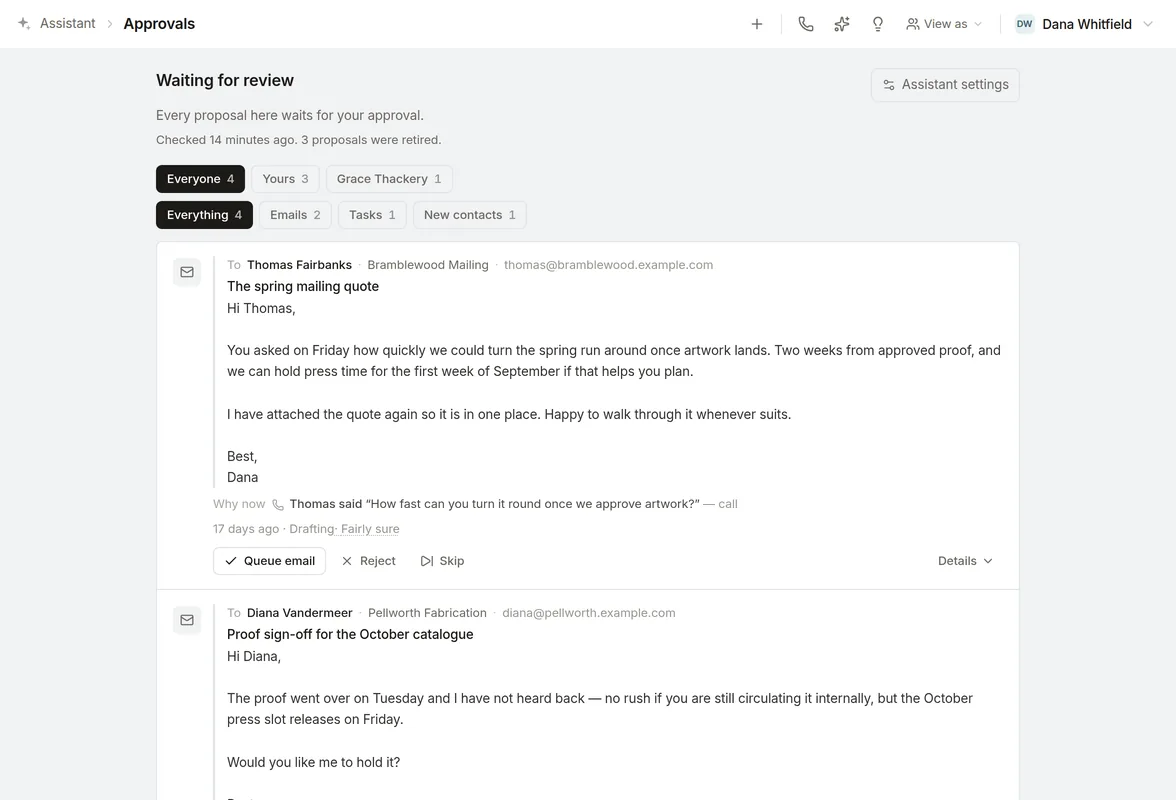
Connect Aircall and Gmail, and each call, text and email goes on the contact it belongs to. After a call, the assistant drafts the email or text. You approve each one before it is sent.
Bring your customers with you
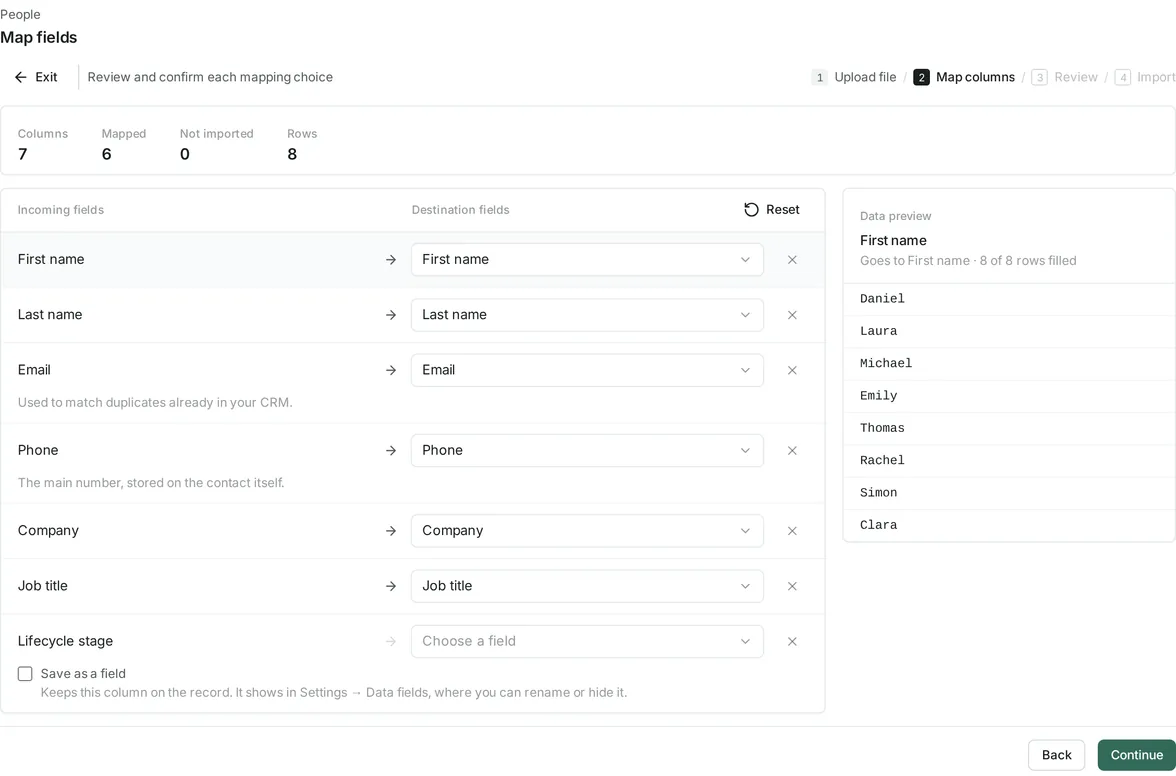
Import contacts, organizations and deals from a CSV file, including an export from HubSpot or a spreadsheet. Match each owner to a salesperson and each stage to one of yours before anything is saved.
Questions
Does AshwoodCRM replace our print MIS?
No. Keep your MIS for estimating, scheduling and invoicing. AshwoodCRM is for the sales team.
Does it connect to our MIS?
No. It reads orders and estimates from NetSuite.
Is it built for screen printers or sign shops?
It is built for commercial printers whose salespeople sell to businesses by phone and email.
Read next
- NetSuite orders and estimates
The last order and the open estimate, on the customer's record.
- For mail houses
The CRM for the company that runs the mail.